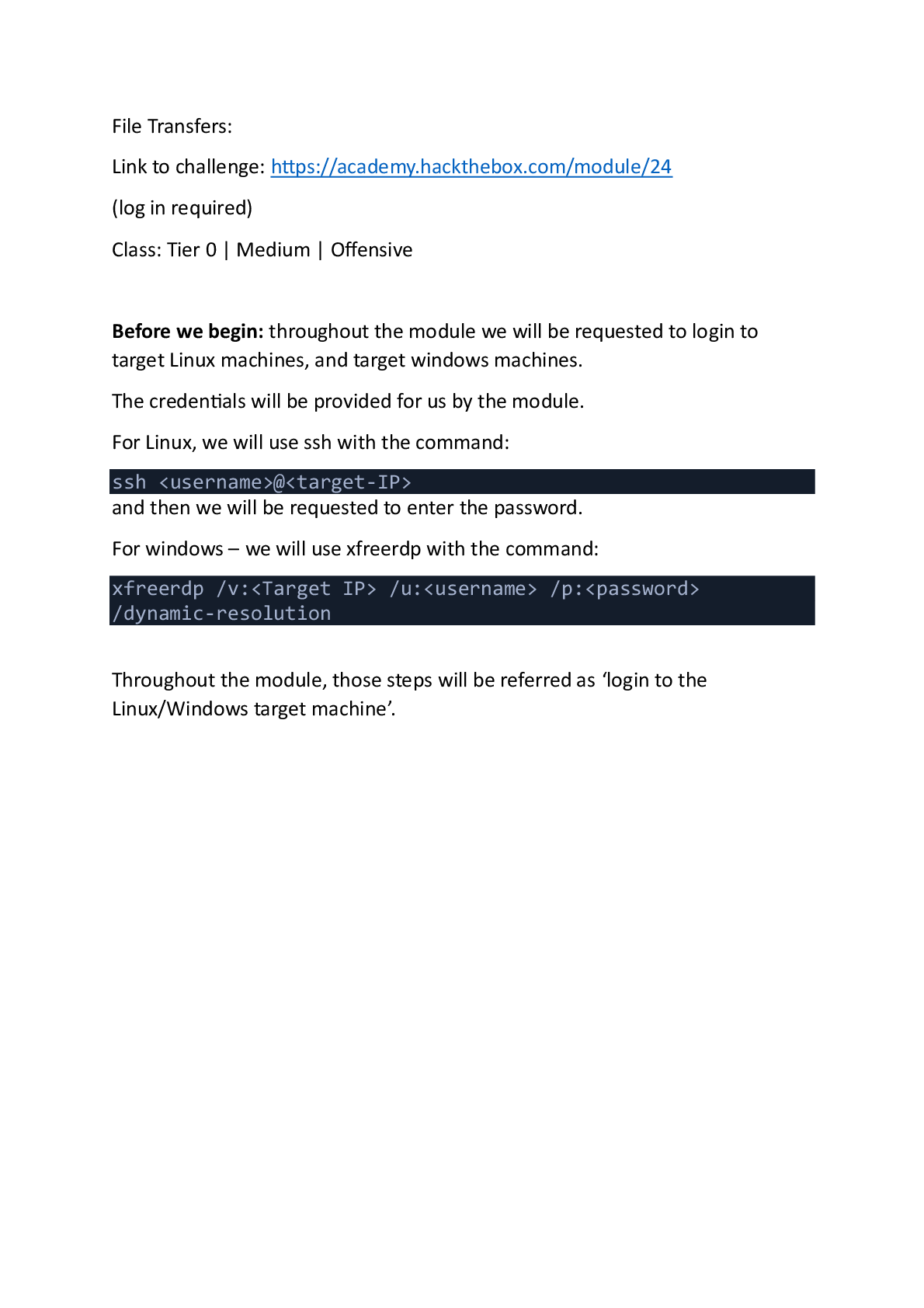
Computer Networking > EXAM > Linux Privileges Escalation: Hack the box Module 51 (All)
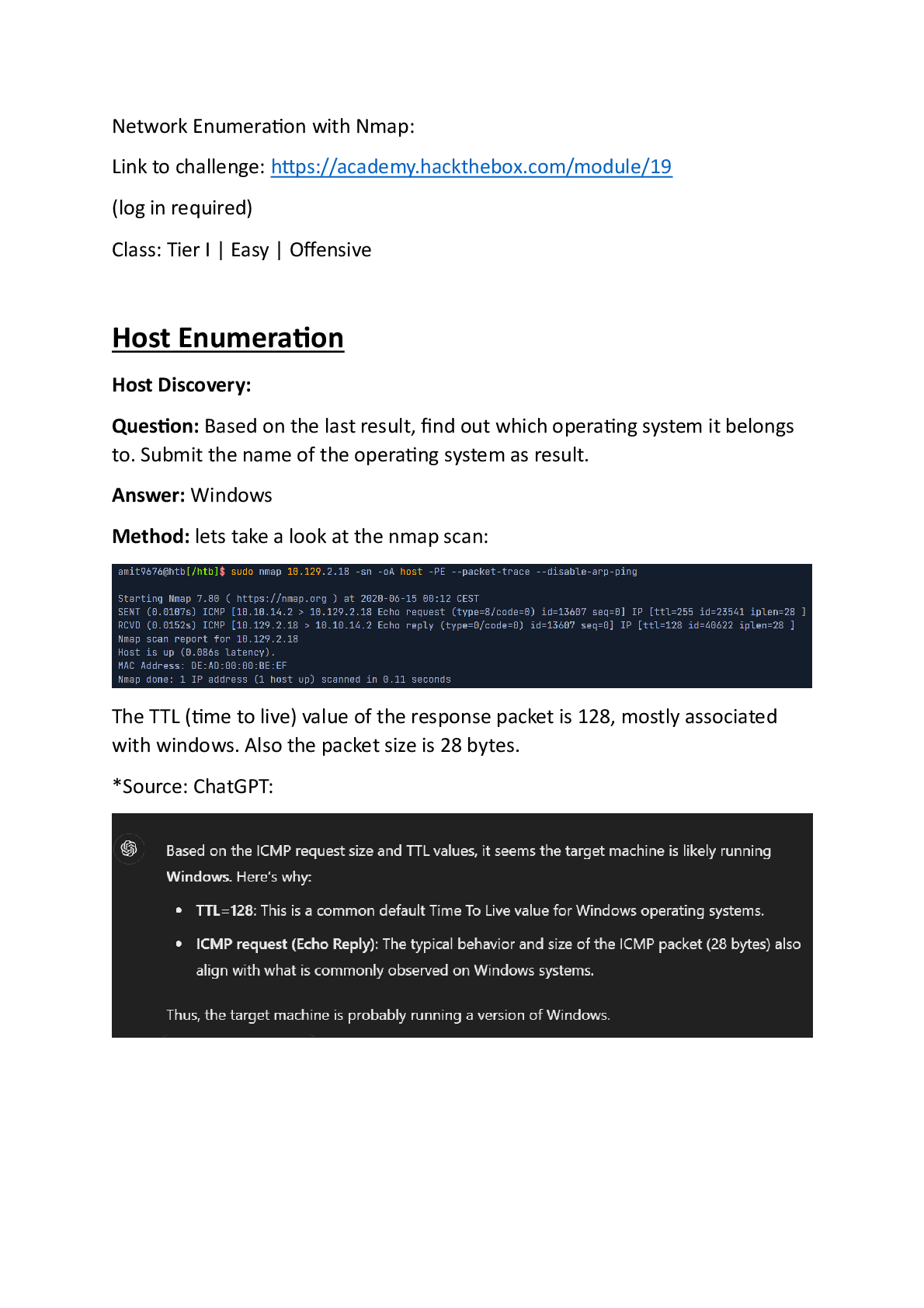
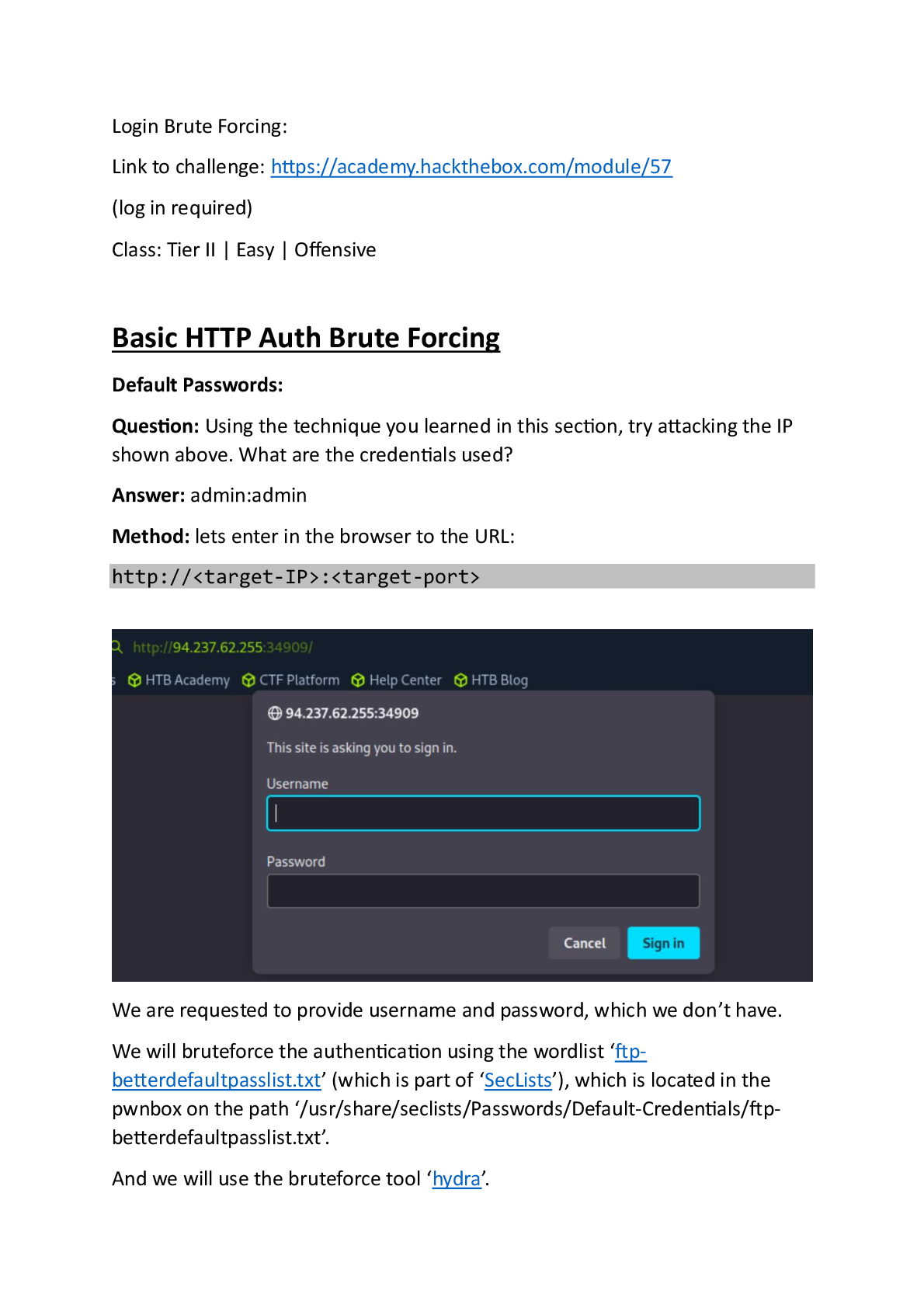
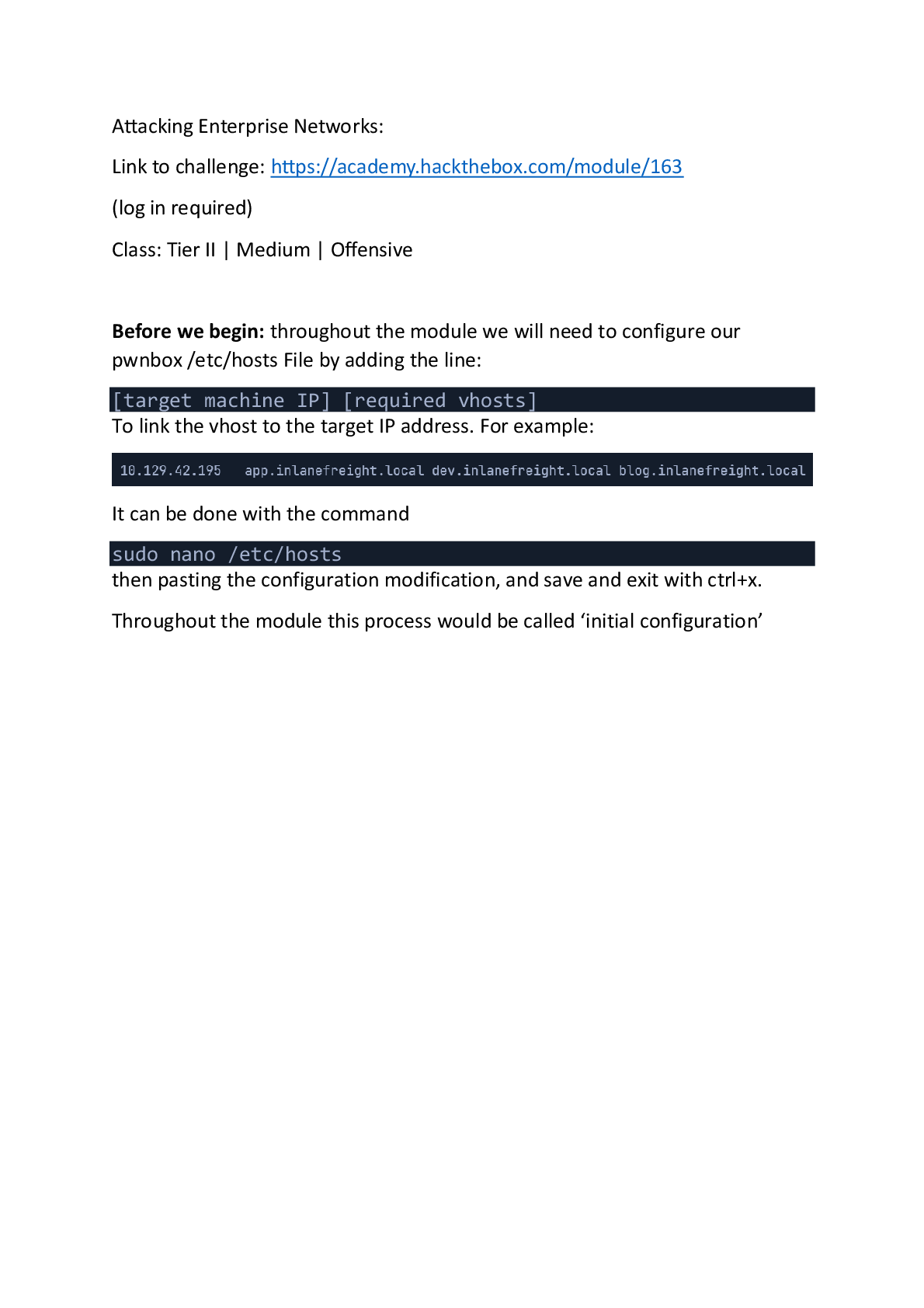
Linux Privileges Escalation: Hack the box Module 51
Document Content and Description Below
Last updated: 19 hours ago
Preview 4 out of 15 pages
Instant download

Loading document previews ...
Buy this Document to get the Full Access Instantly
Provided by Students Who Aced it
We Verify Document Content to Gurantee Accuracy
Associated Textbook
Reviews( 0 )
Document information
Connected school, study & course
About the document
Uploaded On
May 30, 2026
Number of pages
15
Written in
All

Additional information
This document has been written for:
Uploaded
May 30, 2026
Downloads
1
Views
168
Topic Tags
Recommended For You
Get more on EXAM »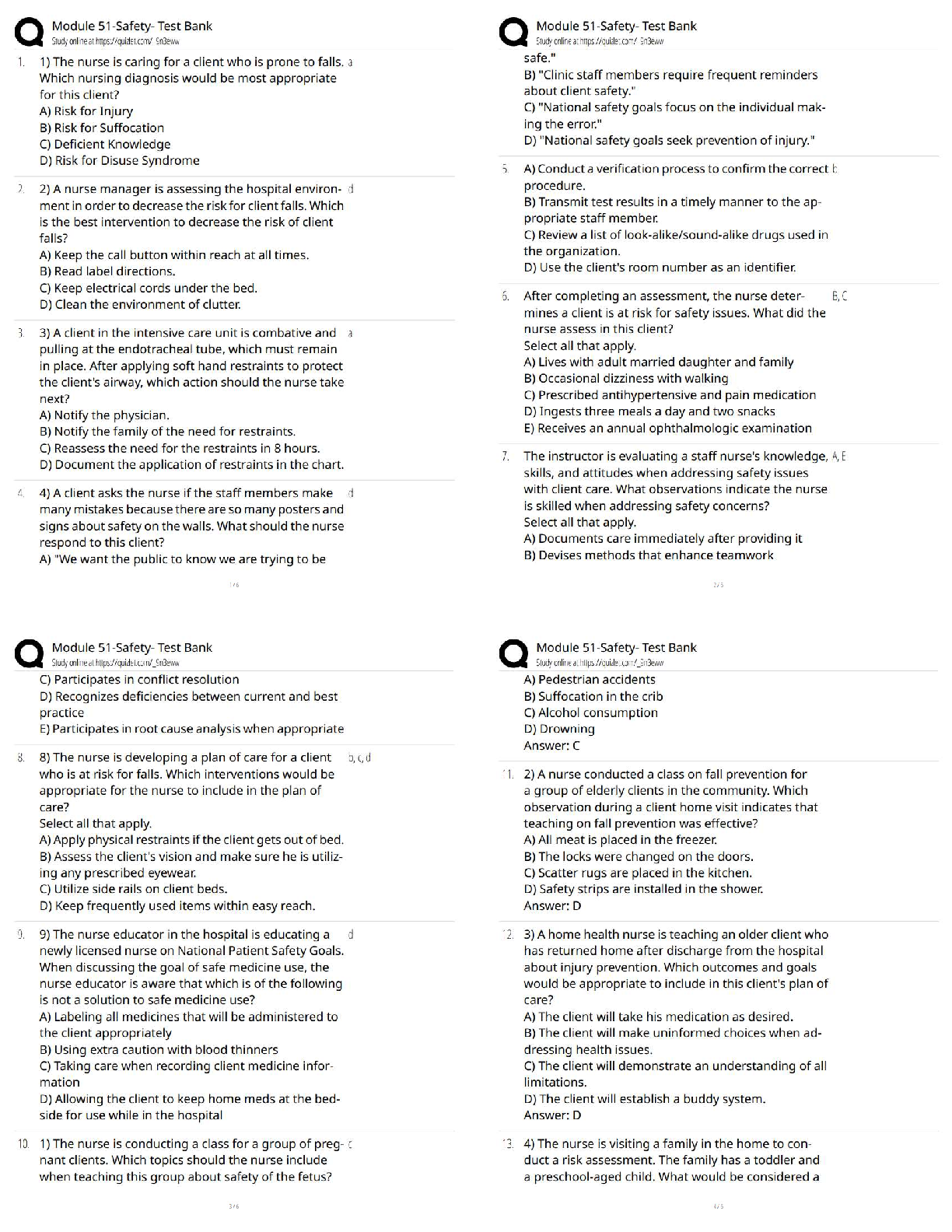

WGU C838 PRE ASSESSMENT EXAM 2026 ACTUAL EXAM 130 QUESTIONS...

Test Bank For An Introduction to Programming With C++ 6th Edit...
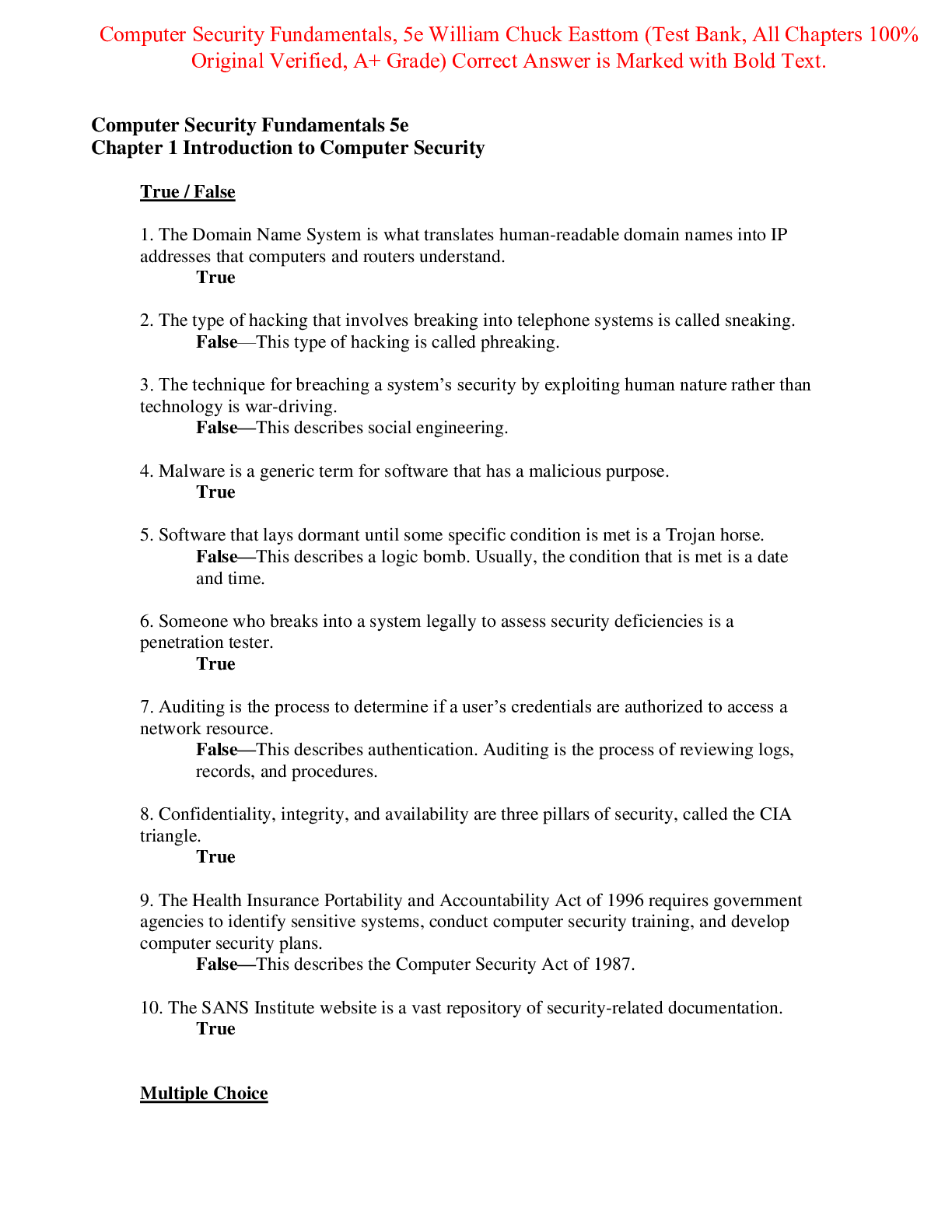
Test Bank for Computer Security Fundamentals 5th Edition By Wi...
Test Bank for Computer Security Fundamentals 4th Edition By Wi...

Blueprints Visual Scripting for Unreal Engine 5, 3rd Edition,...
COM 207 | COM207 EXAM 2 STUDY GUIDE - ARIZONA STATE UNIVERSITY

University of Maryland, University College CMIT 350 Cisco Netw...